Home
01 / 05

Cnvs

A spatial way to save everything you don't want to forget.

RoleSolo founder & design engineer
Timeline3 months
StatusIn progress · pre-launch
Year2026

Cnvs is an infinite canvas for the things you collect online and rarely find again. Links, notes, sketches, tags and reminders sit together on one surface, so the context around an idea stays with it. I'm building it on my own.

Product demo

You keep the link and lose the reason you saved it.

If you do creative or research work you collect across Substack, GitHub, Figma, social feeds and quick notes. Bookmarks flatten that trail into titles and URLs. Come back months later and the link is still there, but you can't remember what it was for.

When I asked friends and colleagues, they guessed they spend around 30% of their research time finding things they had already found once. They had plenty of places to store things. What they couldn't keep was the context.
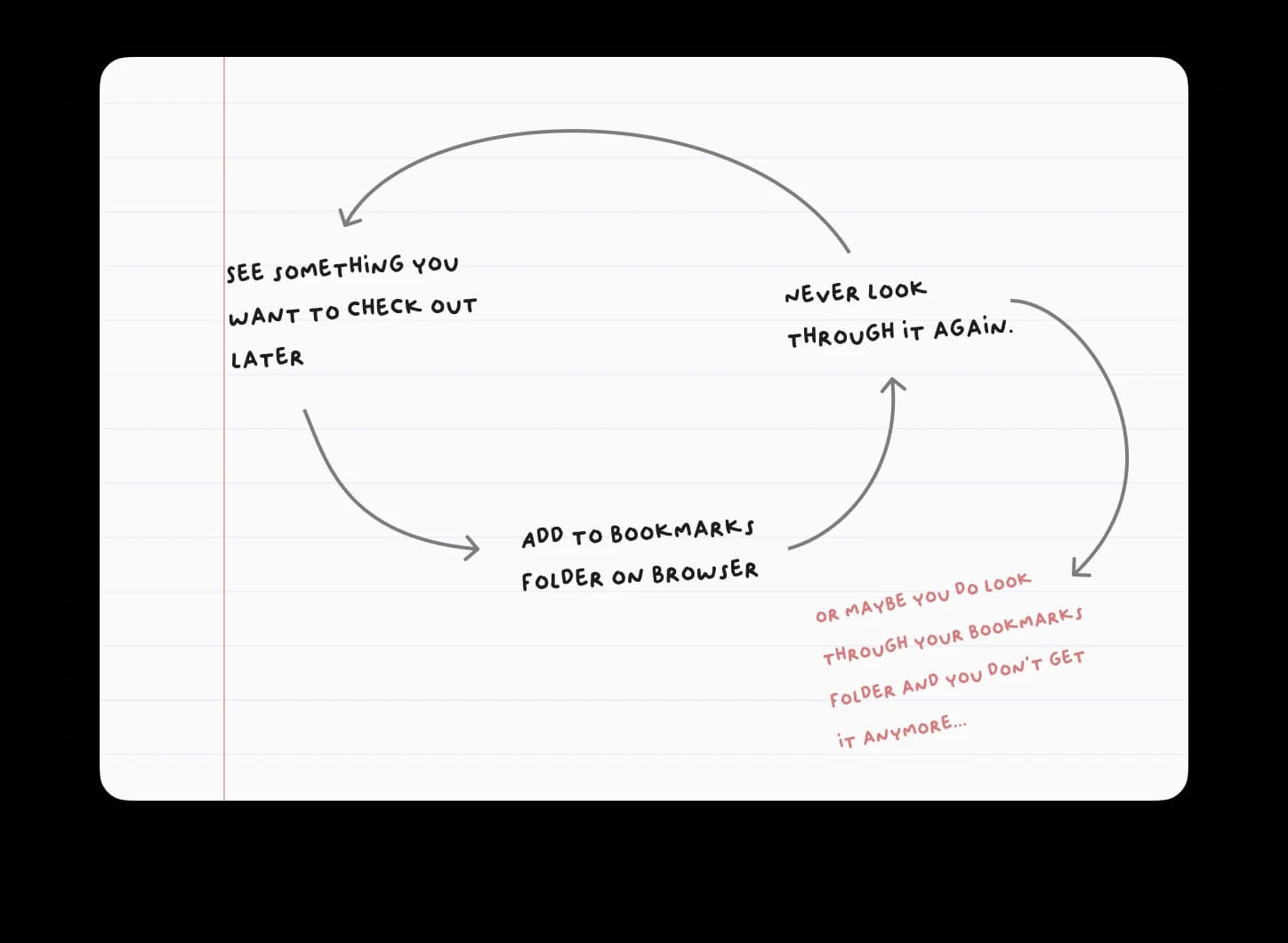
A hand-drawn diagram showing the cycle from discovering something to losing it in a bookmarks folder
The loop: find something, save it, lose the context, go looking again.

Saved things that stay next to each other.

I tried a canvas that could take the mess of real research without turning into another heavy creative tool. Putting things in space shows how they relate: a reference next to the note about it, an image next to a reminder, a collection next to the question it raised.

01Keep the why

A clip should still make sense months later, on its own.

02Make space do work

The canvas shows how things relate. Nobody should have to decorate it.

03Stay light

Keyboard-first actions, so collecting takes a second and not a session.

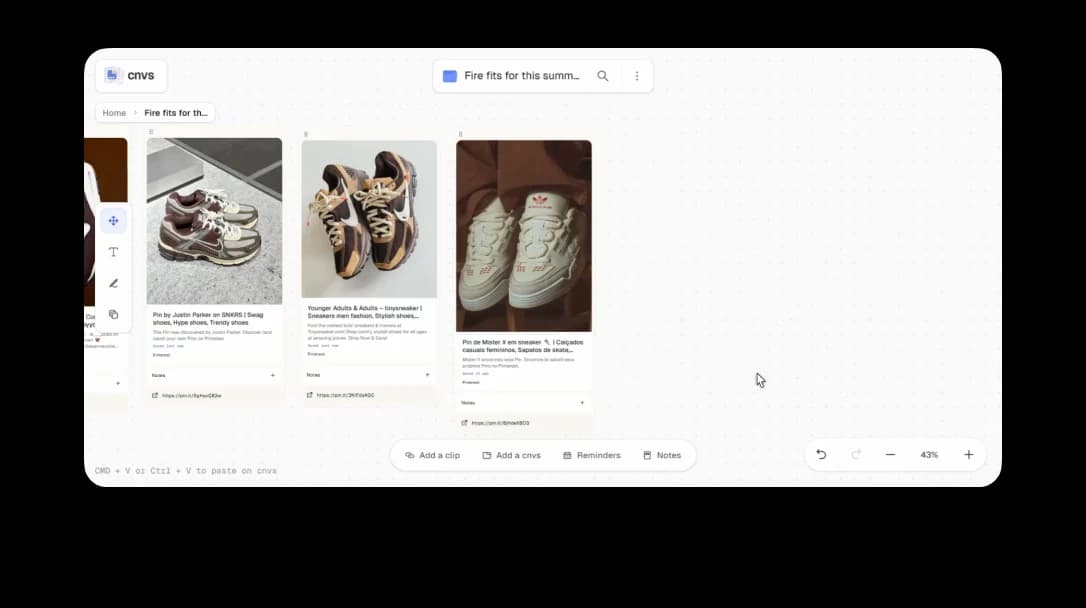
Cnvs canvas with saved sneaker references arranged as visual clips
A board of sneaker references, kept as a trail.

What a clip is.

In Cnvs a saved link is a small object. It carries a note, tags, a reminder and a position on a canvas. Canvases nest inside canvases, which gives you another level of grouping without a strict hierarchy.

↳

Paste to collect. Copy any link and paste it into a canvas to create a clip.

↳

Add context. Write the thought you'll want later next to the link.

↳

Come back. Tags, reminders and nested canvases get you to the thread again.

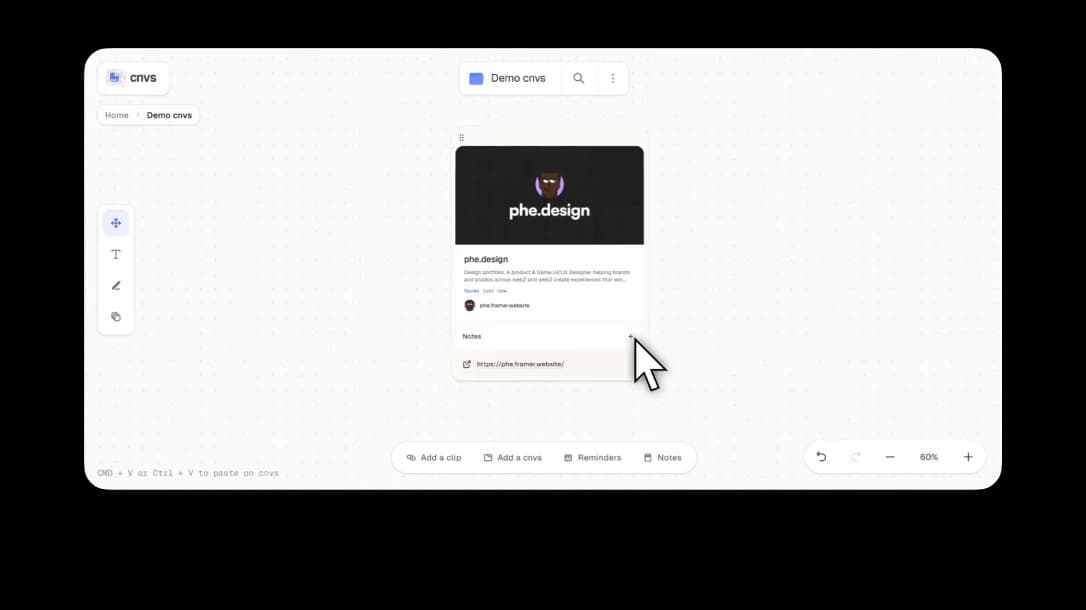
A Cnvs clip card showing a saved link with its preview, author, and metadata
A clip: the link, its preview, the author and your note.

Where it is now.

Cnvs hasn't launched, so there are no usage numbers yet. What I have is a working app where the idea explains itself in the first minute: you see your whole collection at once, and the ordinary bookmark tools (tags, search, reminders) are still there under it.

↗

I built it alone, with AI tools in the loop, which turned an interaction idea into a real web app faster than I could have by hand.

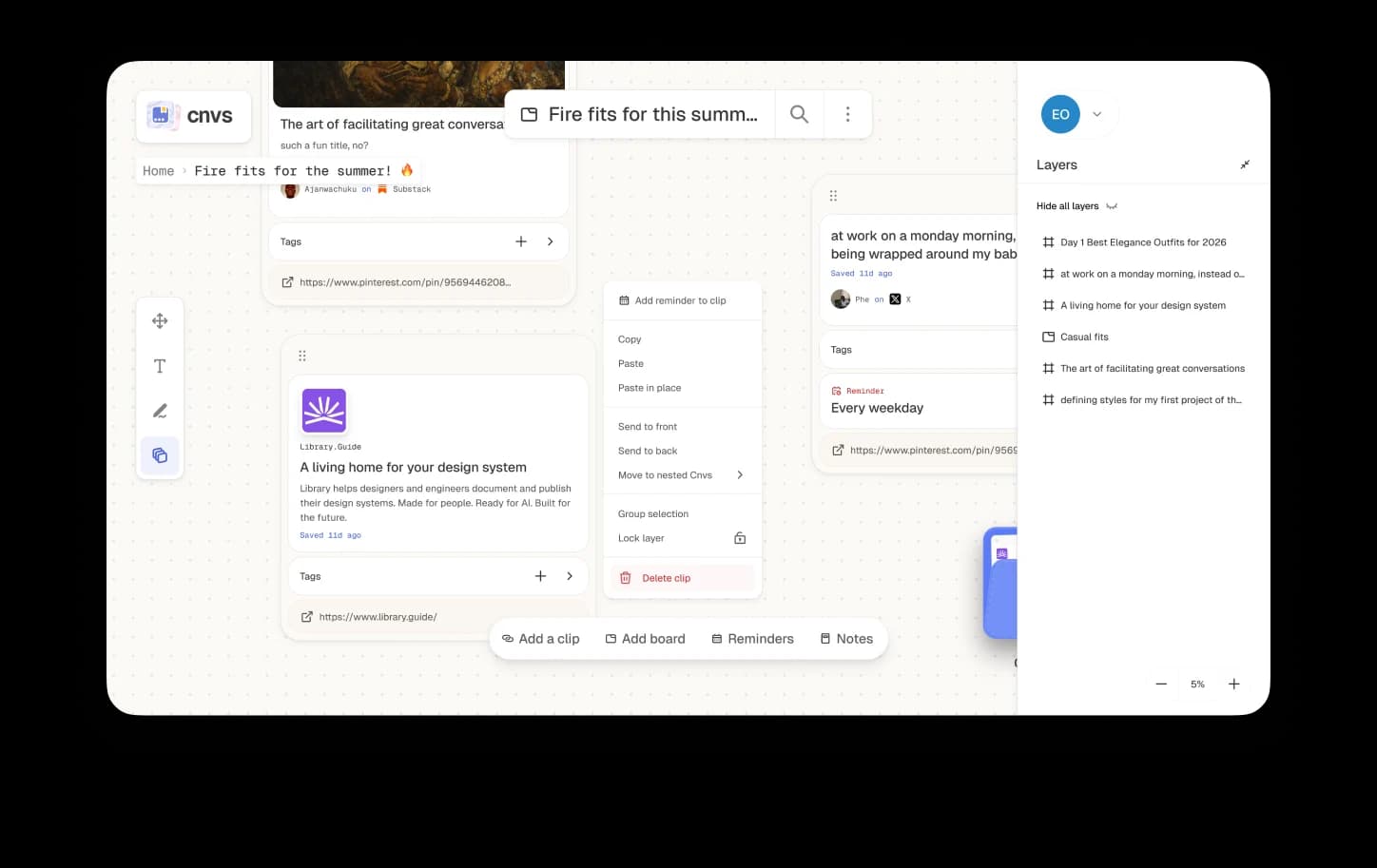
Cnvs interface with layered clips, a canvas, and a layers panel
The full canvas, with layers and tools along the edge.

What's next.

The hard part was shipping a real web app while learning web development as I went, with AI tools in the loop. The open question is scale: how big a canvas gets before it needs ways to compress, navigate and bring the right things back up.

Back to Home